
Split tunneling
Split tunneling decides which apps use mins and which reach the network directly.
Where to find it
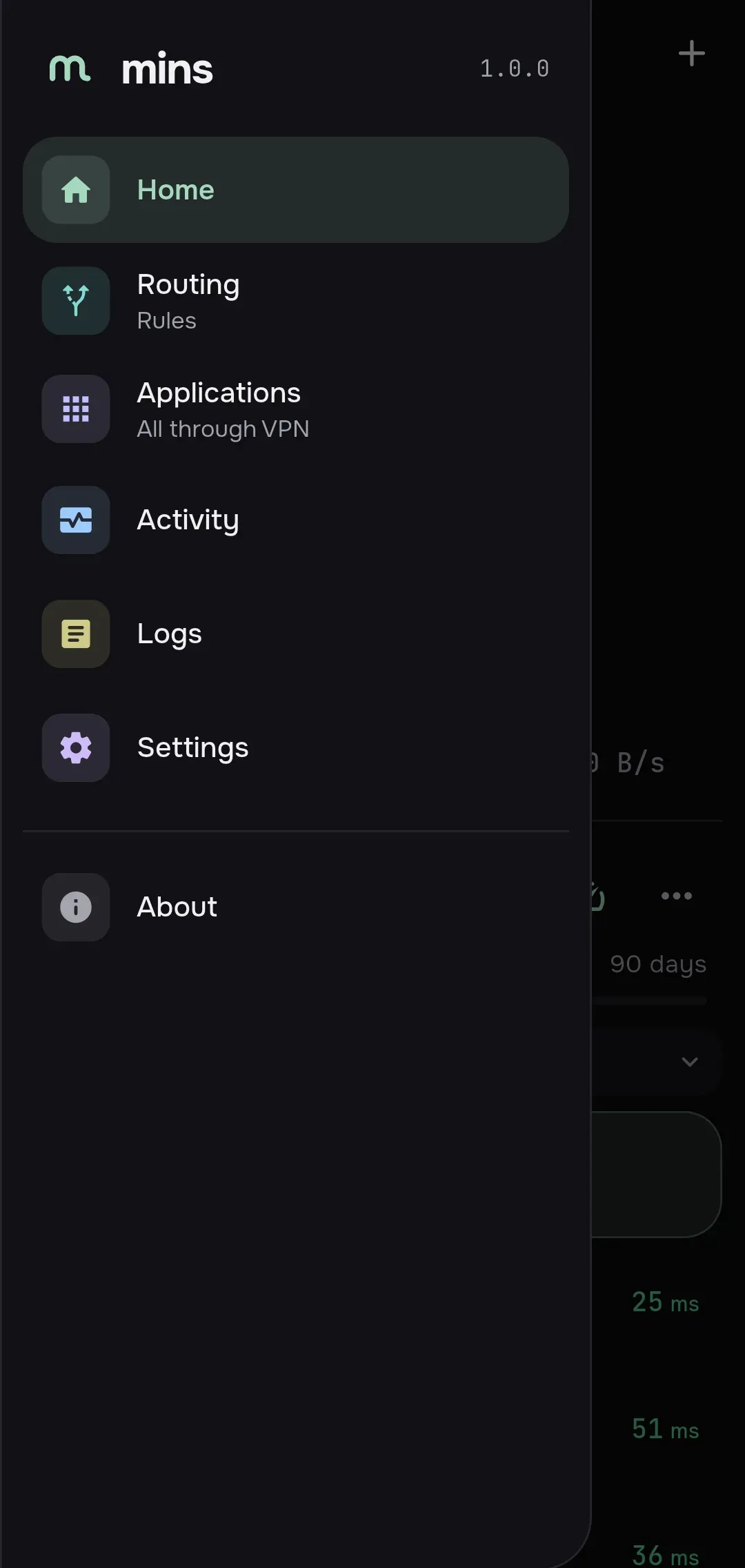
Section titled “Where to find it”- Side menu → Applications. The line under the name shows the current policy: “all through VPN” or the number of selected apps.
- Settings → Network → Split tunneling.
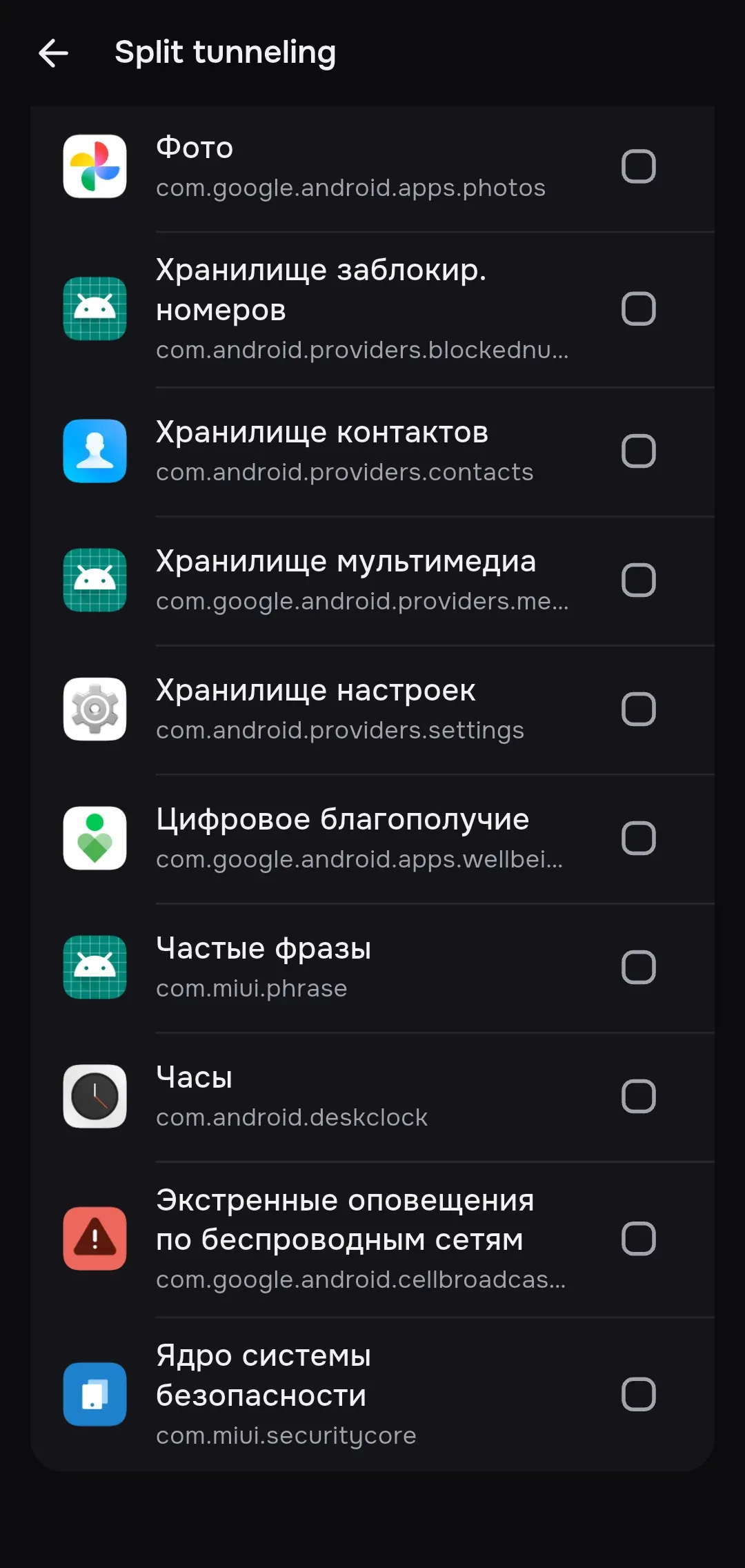
The screen is called Split tunneling.
Application policy
Section titled “Application policy”The Application policy switch is Off by default.
| Value | What happens |
|---|---|
| Off | All apps go through mins |
| Only selected | Only the checked apps go through mins; the rest reach the network directly |
| All except selected | The checked apps go direct; the rest go through mins |
Under the switch you see how many apps are selected: “Selected: N”. Tap a row to check or uncheck an app. A selected app stays in the policy even if it disappeared from the list of installed apps. The Search applications field filters the list by name and identifier.
If you change the policy or the list while connected, mins reconnects.
Android
Section titled “Android”The list shows the installed apps with their icons. System apps are hidden by default; the Show system applications switch reveals them. The identifier is the package name.
Notes:
- mins itself is always kept out of the tunnel so that its subscription requests do not loop. You cannot select mins in Only selected mode: the connection fails with “mins cannot tunnel its own subscription requests”.
- Only selected with an empty list does not start: “Choose at least one application”.
- Android itself does the filtering: mins hands the VPN service a list of allowed or disallowed apps.
Windows and Linux
Section titled “Windows and Linux”The list shows the running processes. To add a program that is not listed, press Choose executable and pick the file. The identifier is the path to the executable.
The rules work at the process level in the engine:
- Only selected: the checked processes always go through the proxy. For the others, traffic that matches no routing rule goes direct.
- All except selected: the checked processes go direct; the others follow the usual routing rules.
Subscription and app split
Section titled “Subscription and app split”A subscription can set the policy and the app list. Such settings apply only after you approve them. If a subscription set the policy, a “Set by …” row with the effective value appears under the Split tunneling row in settings. You can override it on the subscription screen. More in the Settings reference.