
Backup and reset
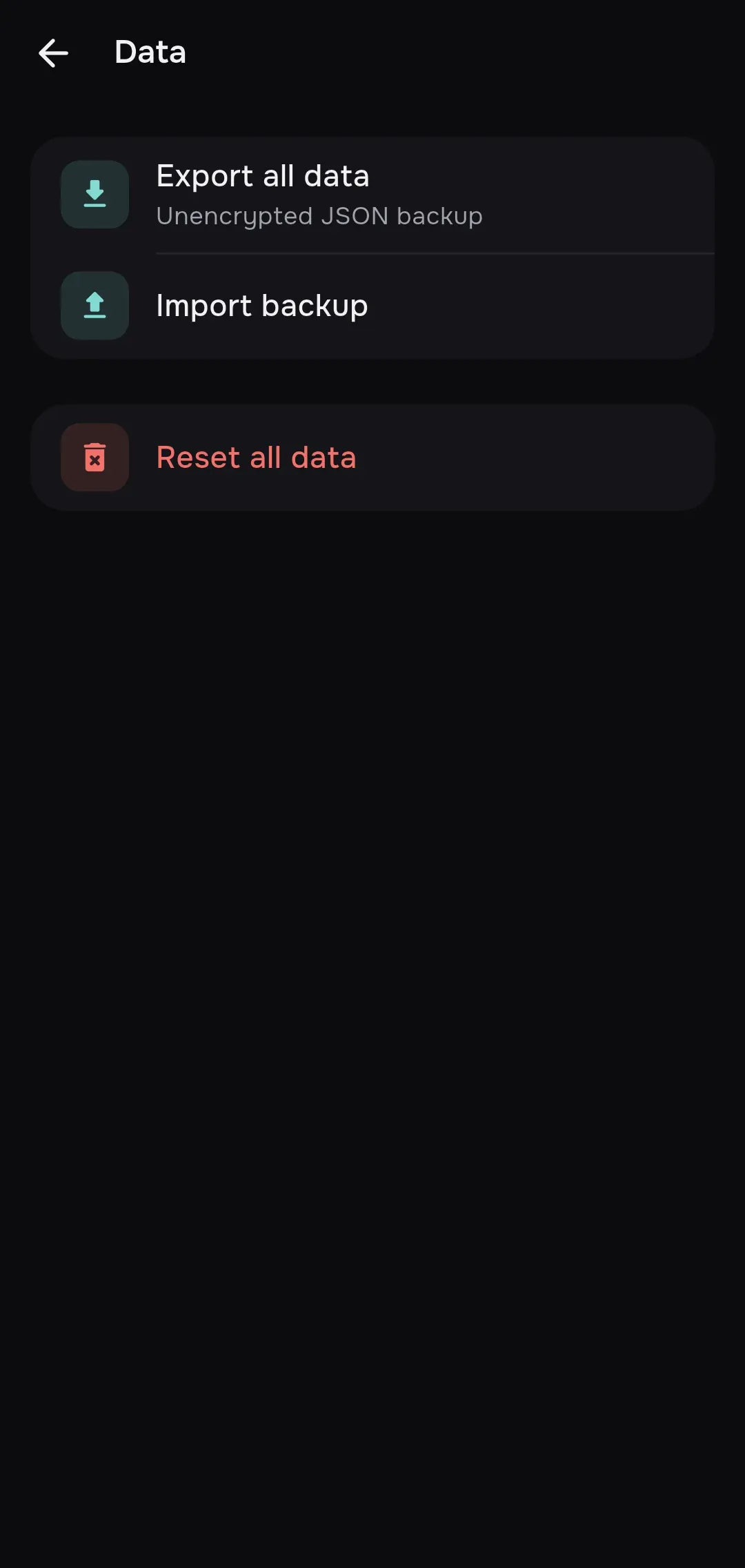
Settings → Data lets you save all mins data in one file, restore it and wipe the app completely.
Export
Section titled “Export”- Open Settings → Data and press Export all data (“Unencrypted JSON backup”).
- Read the “Export unencrypted backup?” warning (“This file includes private keys, subscription URLs, and passwords in plain text. Store it securely.”) and confirm.
- In the Save backup window choose where to write the
mins-backup.jsonfile.
The backup contains:
- subscriptions;
- all servers with their full configurations, favorites and the latest ping results;
- routing profiles;
- app settings, including the local proxy credentials and the device identifier that mins sends to providers (HWID).
The backup does not contain downloaded geo databases or logs: mins downloads the geo databases again when you connect.
If part of the encrypted data is unavailable, the export does not run and says “Restore unavailable encrypted data before exporting a backup.” Restore the data from an earlier backup first (see Errors).
Import
Section titled “Import”- Press Import backup and choose a
.jsonfile. - Confirm the “Import backup?” question. The warning: “Existing records with matching identifiers will be replaced.”
- mins loads the data and applies the settings. If a connection is active, it reloads its configuration.
Import adds the data from the file: records with the same identifiers are replaced, and records that are not in the file stay. Settings present in the file are overwritten. Only files created by mins are accepted (format mins, version 1); other files are rejected with “Not a mins backup”.
This is how you move subscriptions, servers and settings to a new device: make a backup on the old one, carry the file over and import it on the new one. After the import the device identifier (HWID) from the backup is used.
The Reset all data row deletes everything local:
- Confirm the “Delete all local data?” question (“This cannot be undone. Export a backup first.”).
- If a connection is active, mins disconnects it.
- Servers, subscriptions, routing profiles, geo database records and all settings are deleted. Settings return to their defaults, and the language follows the system language.
A reset cannot be undone. Export a backup before it.