Your servers. One button.
A minimalist client for the subscriptions, links and configs you already have. VLESS, Hysteria2, WireGuard and AmneziaWG, running on SvetRay™, our own engine written in Rust.
Android, iOS, macOS, Windows and Linux. No public builds yet.
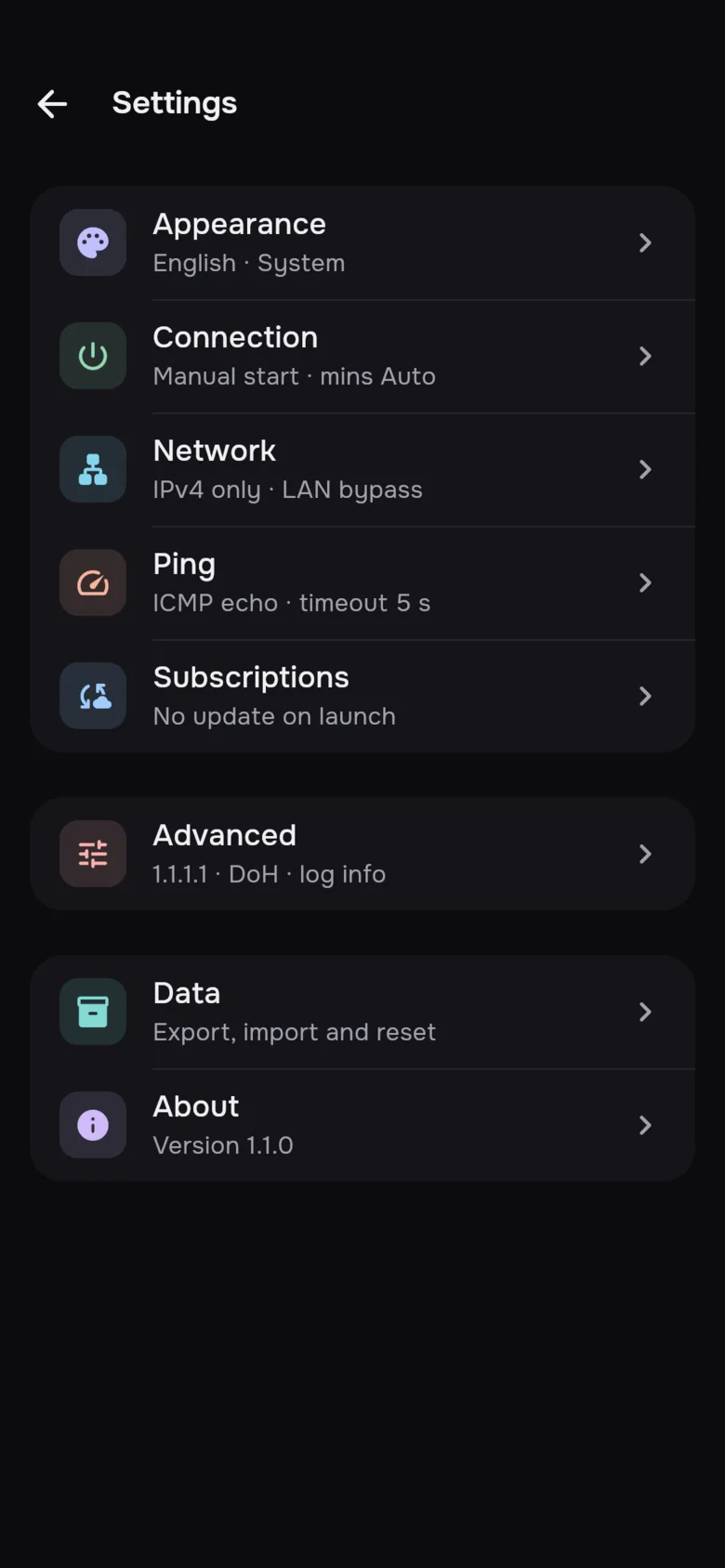
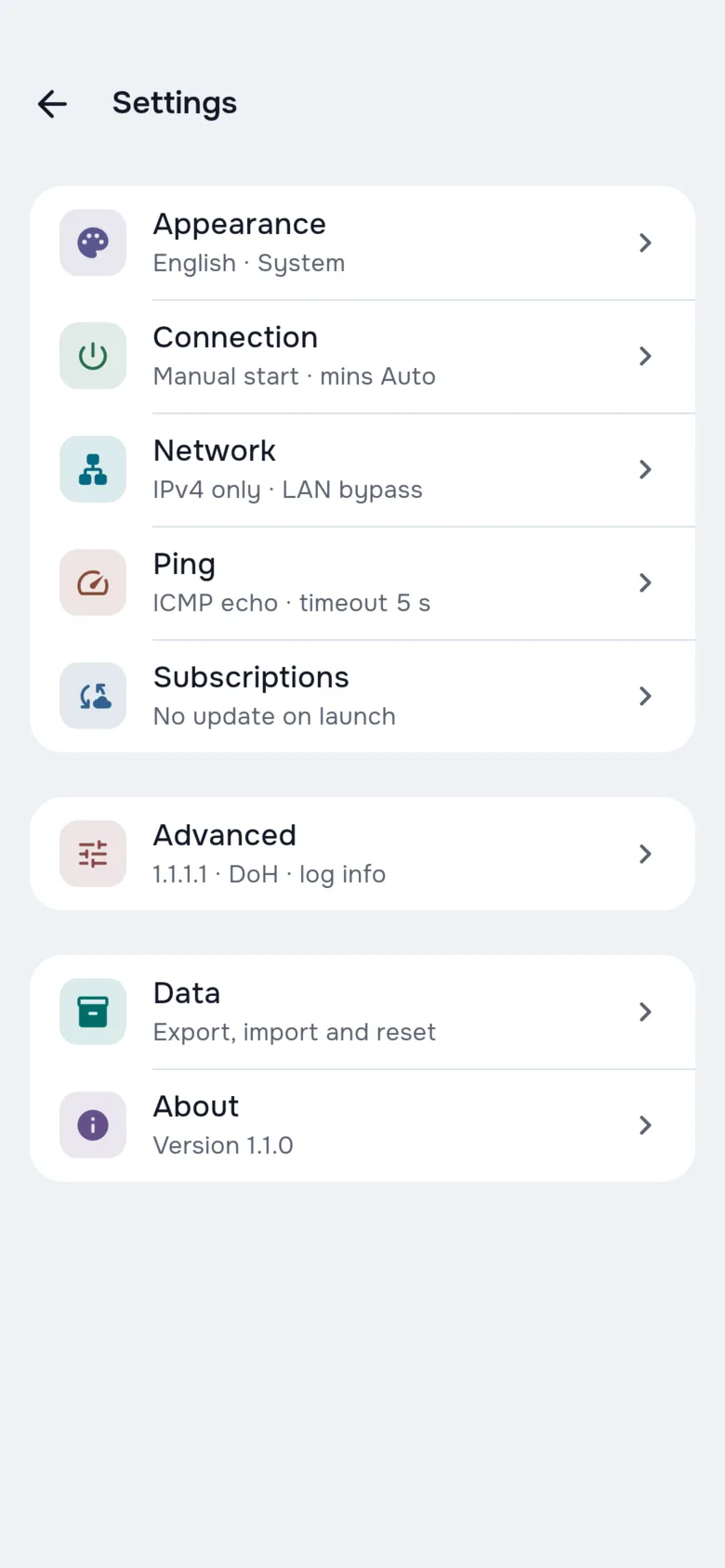
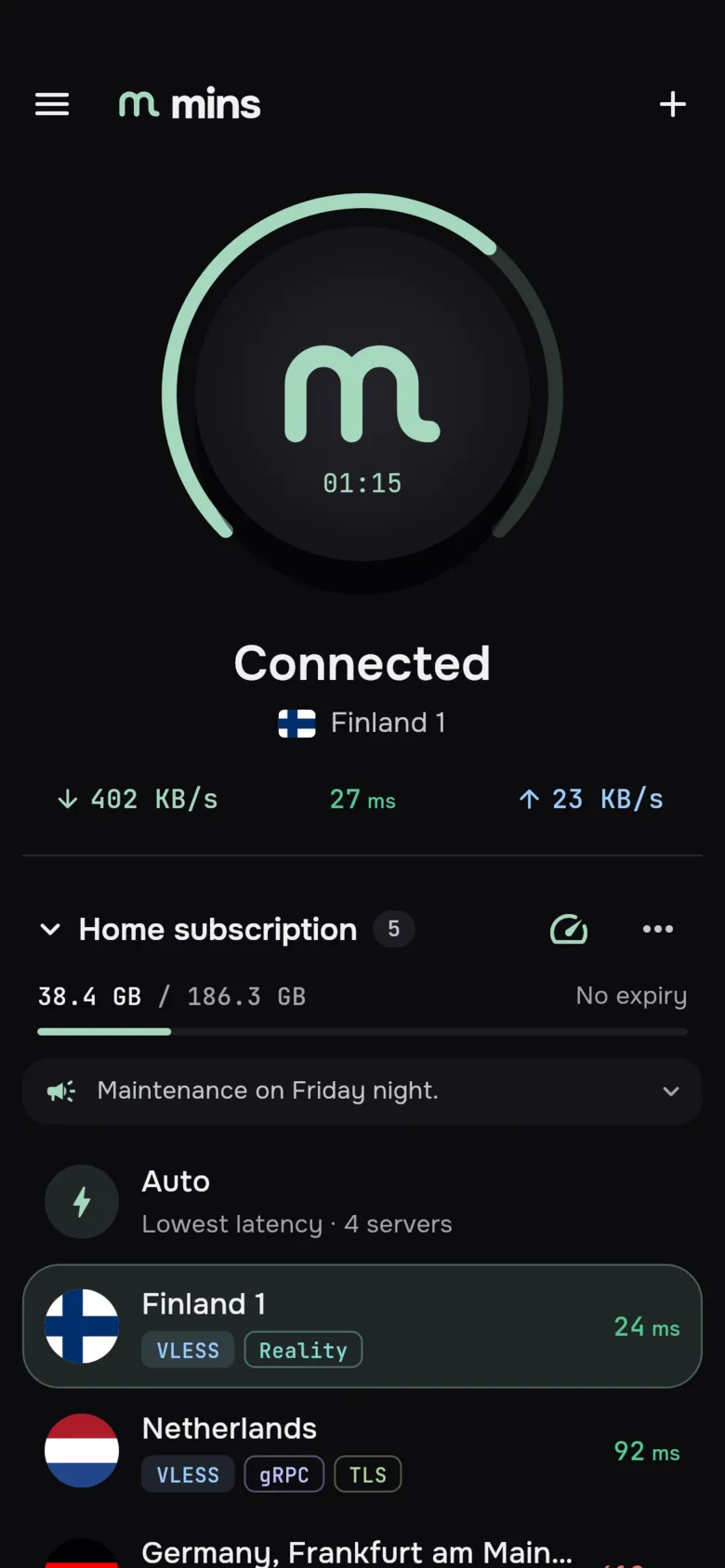
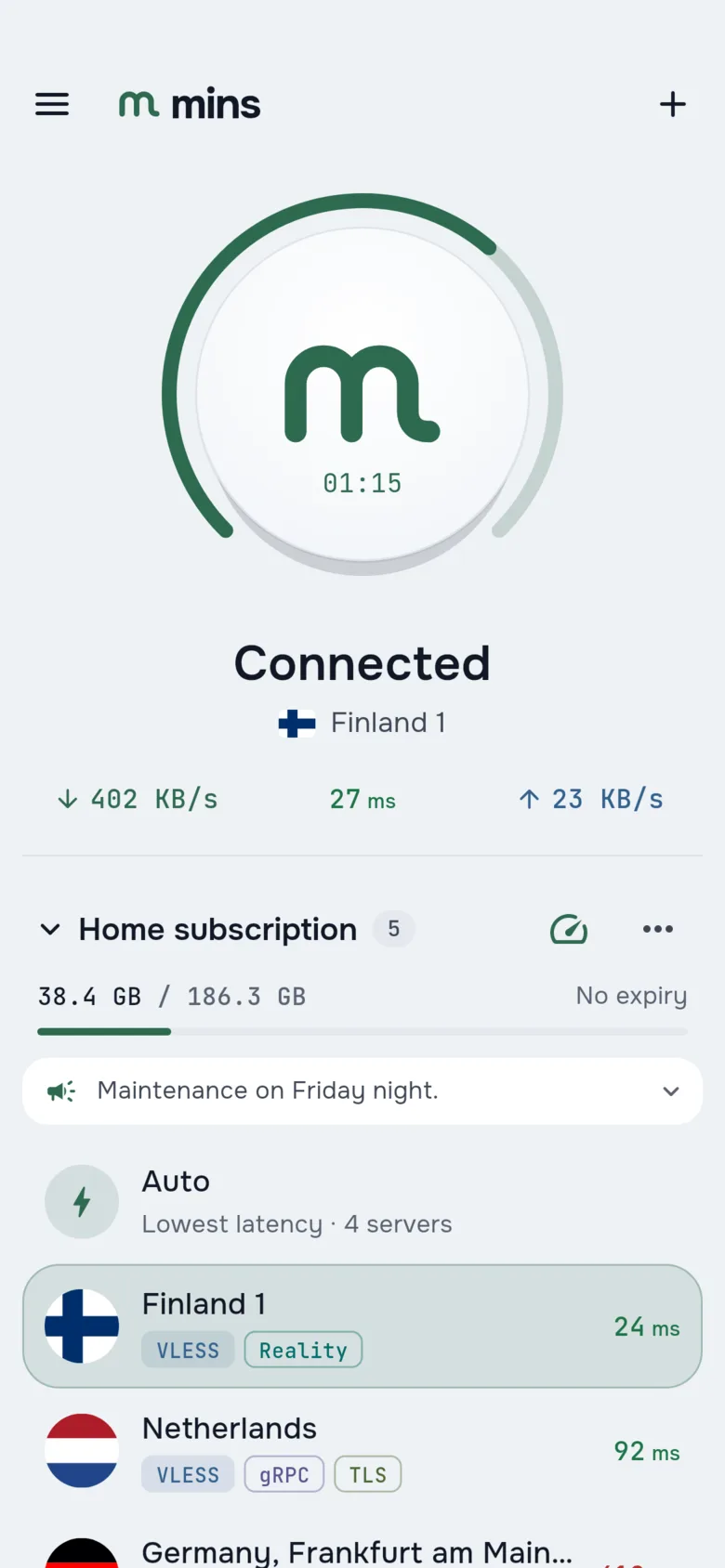
Bring what you already have
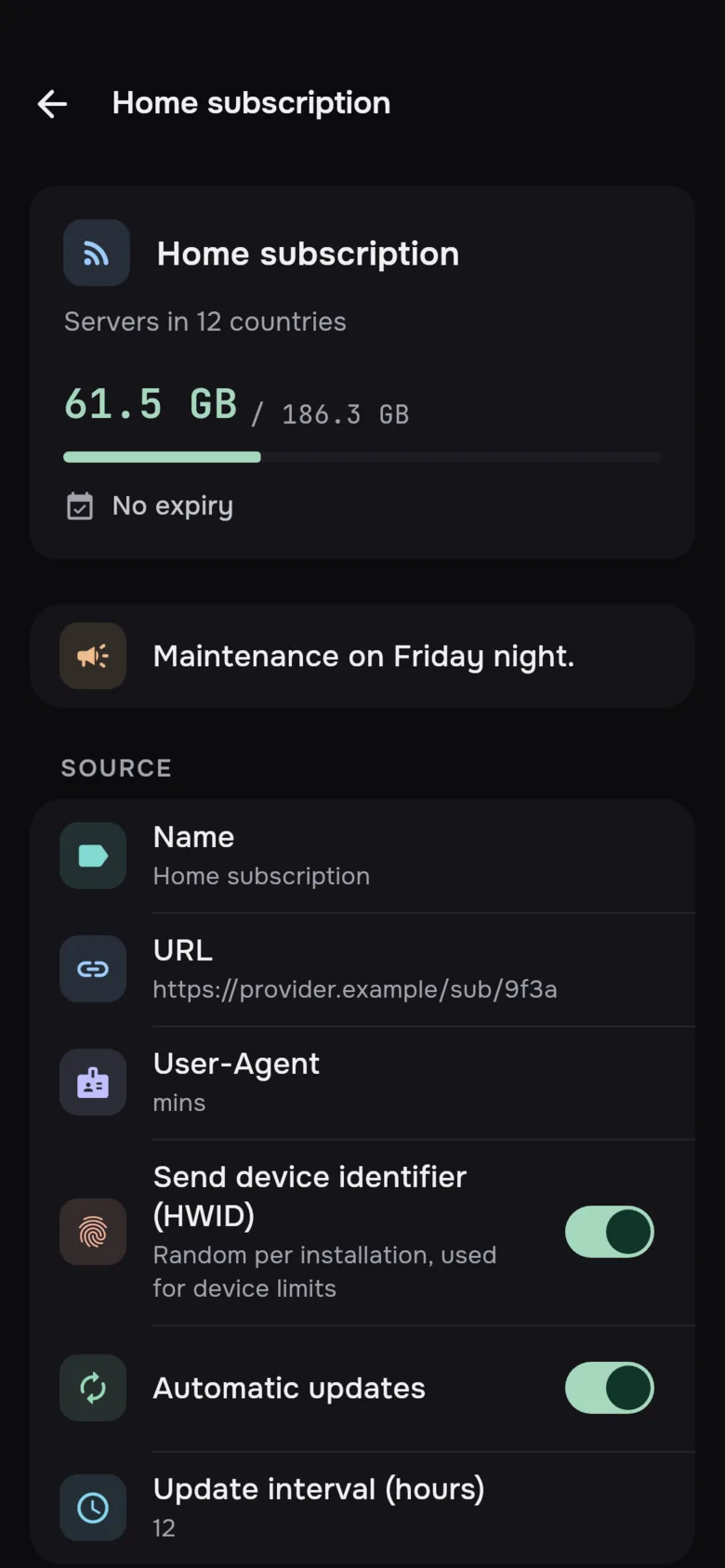
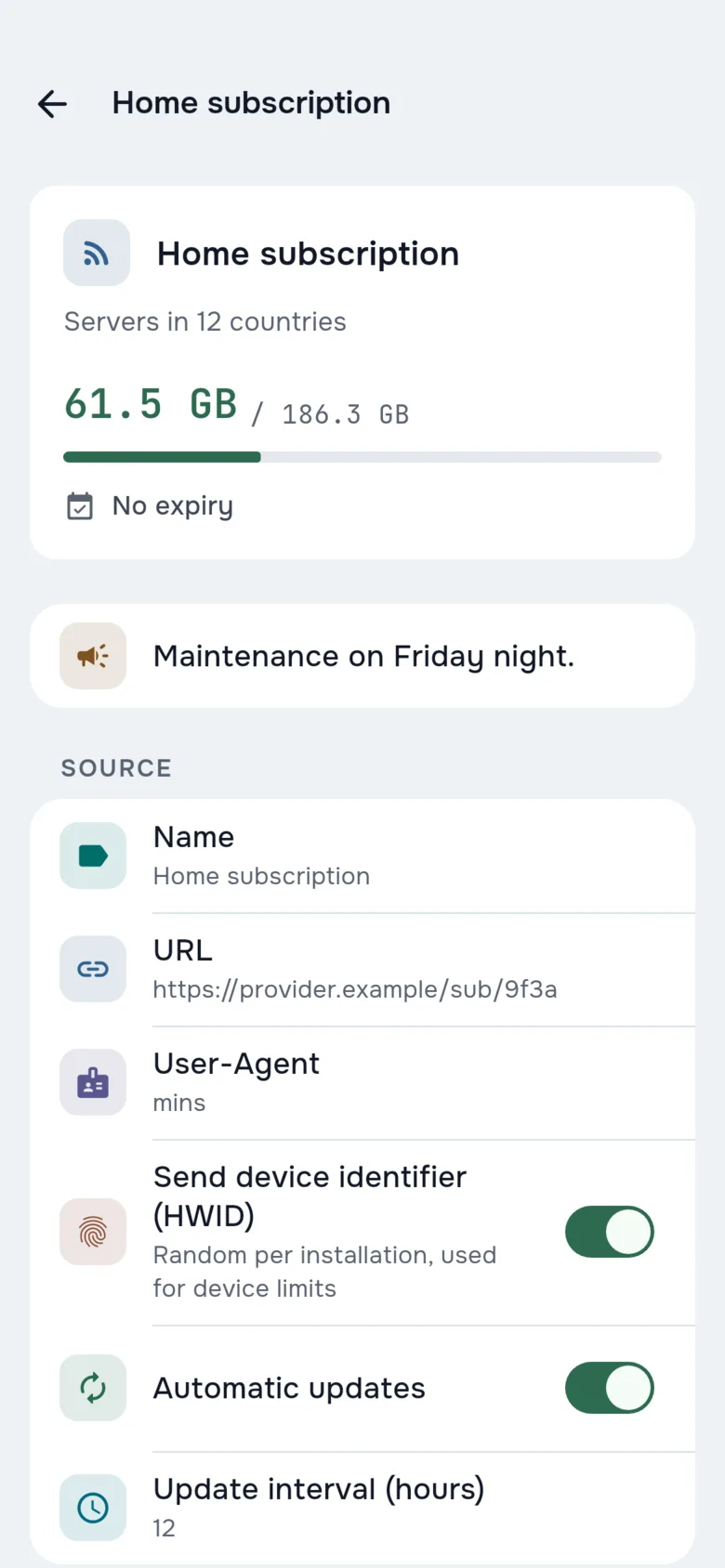
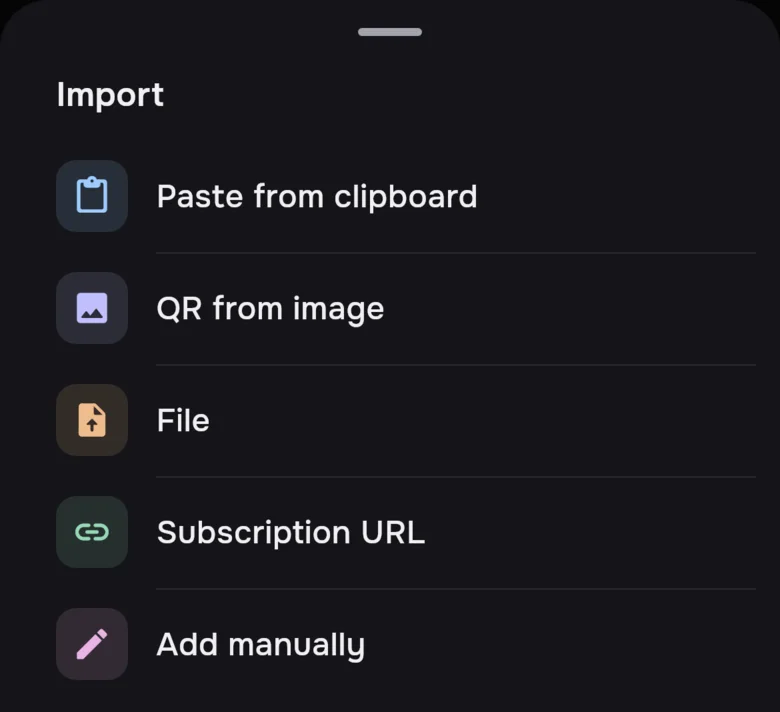
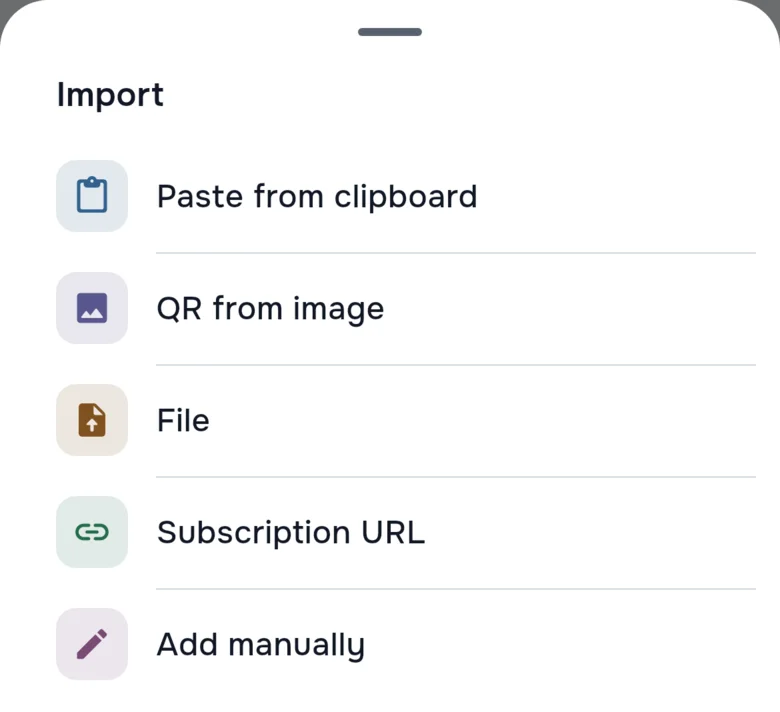
mins has no servers and no accounts of its own. Add a subscription from your provider or a config from your own server, check the preview, and it joins your list.
- Subscription URLUpdates automatically and shows traffic and expiry.
- Share links and QR codesFrom the clipboard, a file or an image with a QR code.
- Xray JSONComplete Xray JSON profiles, not just single links.
- AmneziaWG configsImport the config file your server gave you.
- By handA form for when all you have are the server details.
What mins connects with
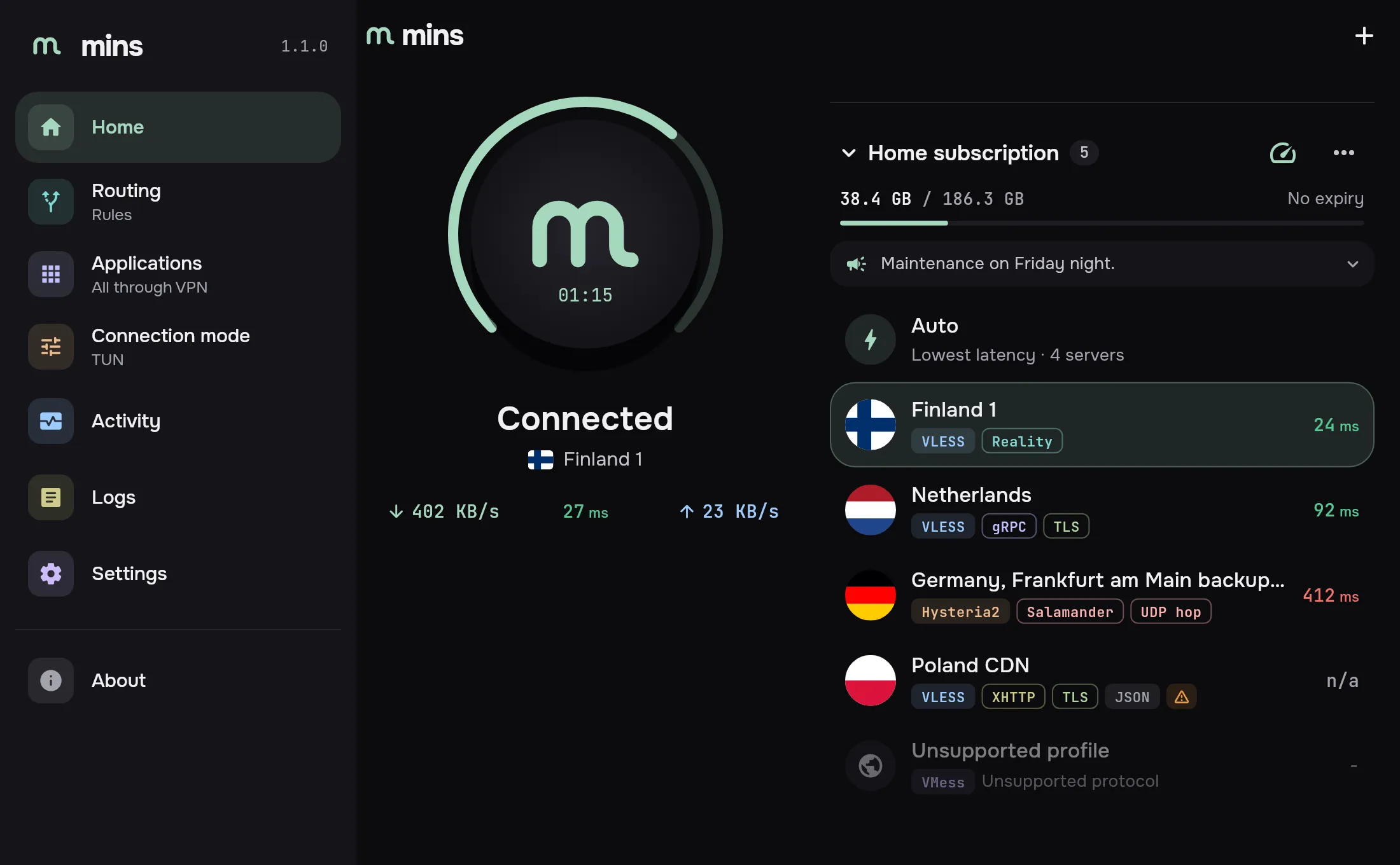
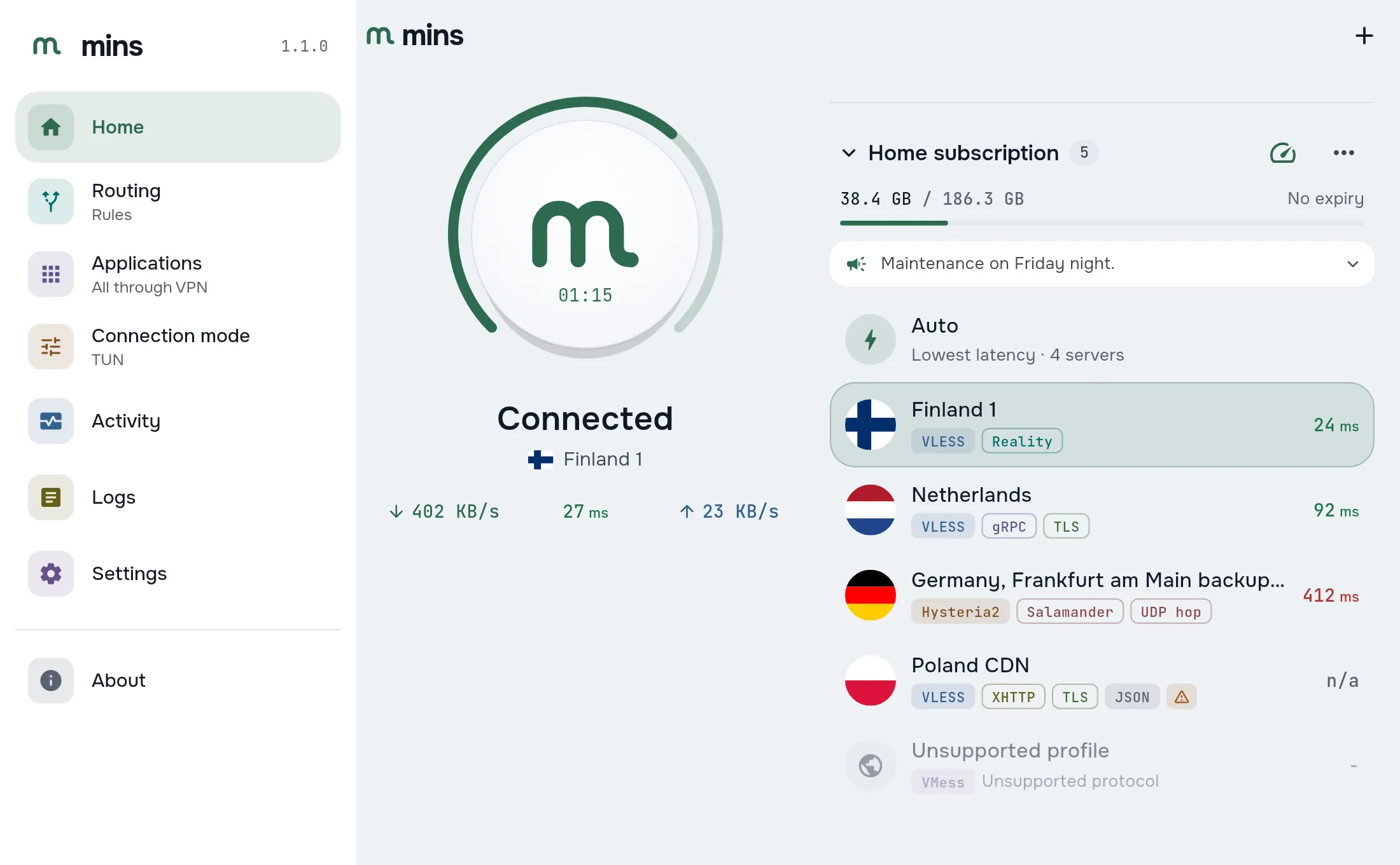
Every server shows its protocol and transport as colored tags, the same ones you see in the app.
- VLESS
- Hysteria2
- WireGuard
- AmneziaWG
- JSON
Servers with a protocol mins does not support stay in the list with the reason, so nothing disappears silently.
Subscriptions that show everything
mins reads the same subscription headers as Happ and INCY, so what your provider sends works without extra setup.
Traffic and expiry
How much is used and when the subscription ends, right above its servers.
Announcements
Provider news in one line on the home screen.
Provider settings
Applied only after you approve them, and any of them can be overridden.
Auto-update
The server list refreshes on a schedule.
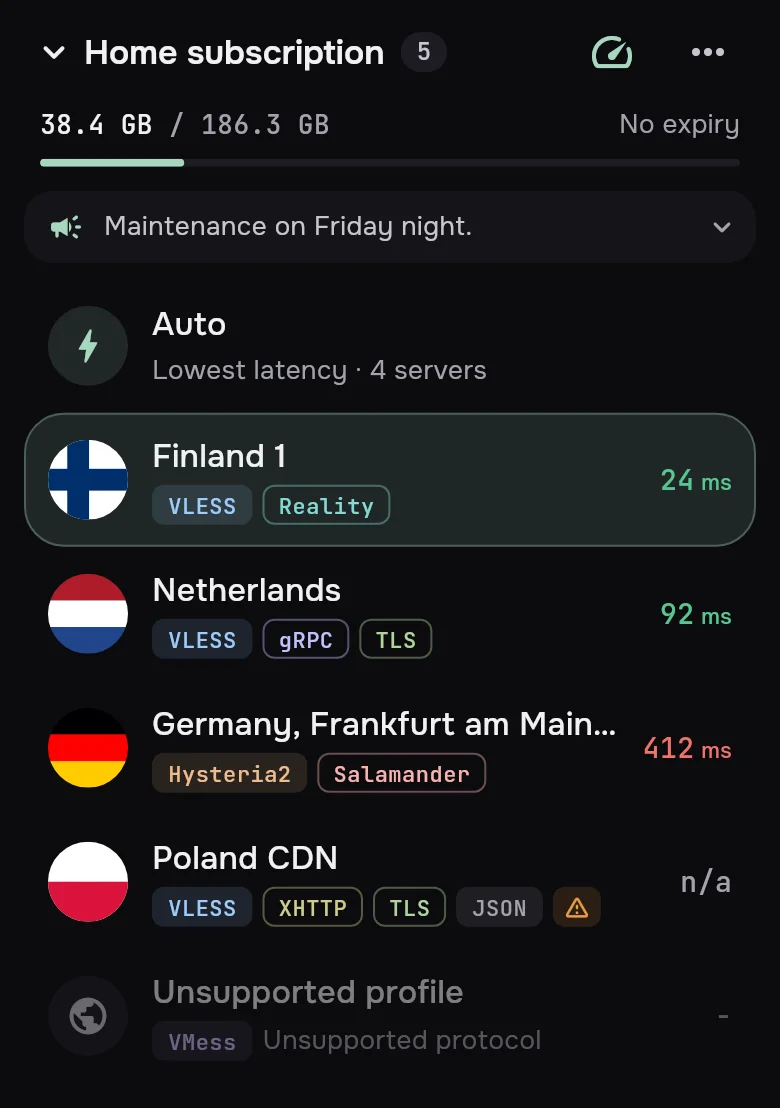
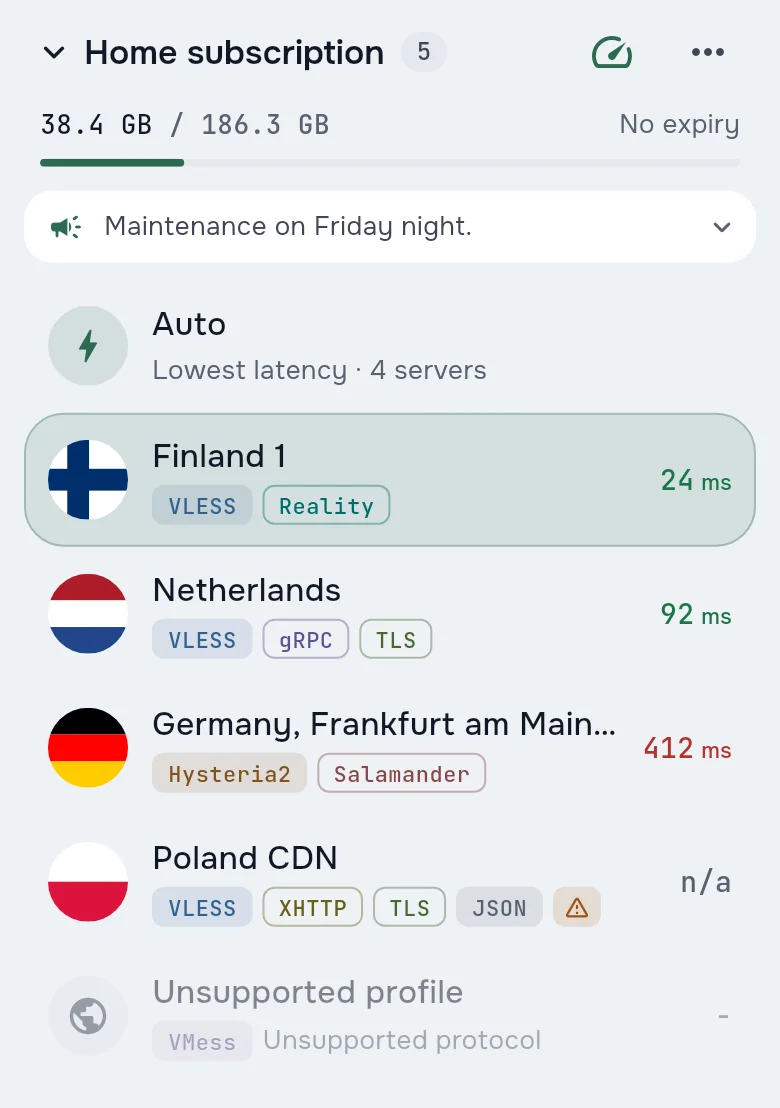
Providers brand it. You tune it.
A subscription can name and flag its servers and set how the client behaves. Every value it sends can be overridden, and changes to device routing, DNS, per-app rules or autostart wait for your approval.
For providers
Add a mins block to a server's Xray JSON: its name, description, country flag, an icon when there is no country, and how to ping it. Xray ignores the key, and mins strips it before the engine.
"mins": {
  "name": "Finland 1",
  "description": "Own DNS and routes",
  "flag": "fi",
  "icon": "house",
  "ping": {
    "type": "proxy-head",
    "url": "https://cp.cloudflare.com/generate_204",
    "timeout_ms": 3000
  }
}
Subscription headers mins applies
profile-title- Subscription name
announce- One-line announcement
subscription-userinfo- Traffic and expiry
profile-update-interval- Update interval
ping-typecheck-url-via-proxy- How servers are pinged
subscriptions-sort-type- Server order
routing- Routing profile
support-urlprofile-web-page-url- Support and website links
For you
Tune the client without editing a single config.
- Theme and languageDark, light or as in the system; English or Russian.
- Ping displayMilliseconds with a quality color, or only the color.
- Ping on launchServers are measured as soon as the app opens.
- Favorites and orderMark the servers you use; sort by ping, by name or keep the provider's order.
- Whose AutoWhen a subscription ships its own balancer, choose which Auto to show: ours or the provider's.
- OverridesEverything a subscription set is listed in its details, each value with its own override.
Decide what goes through
Routing profiles
Rules, all traffic or direct. Keep several profiles, including ones from a subscription, and switch in one tap.
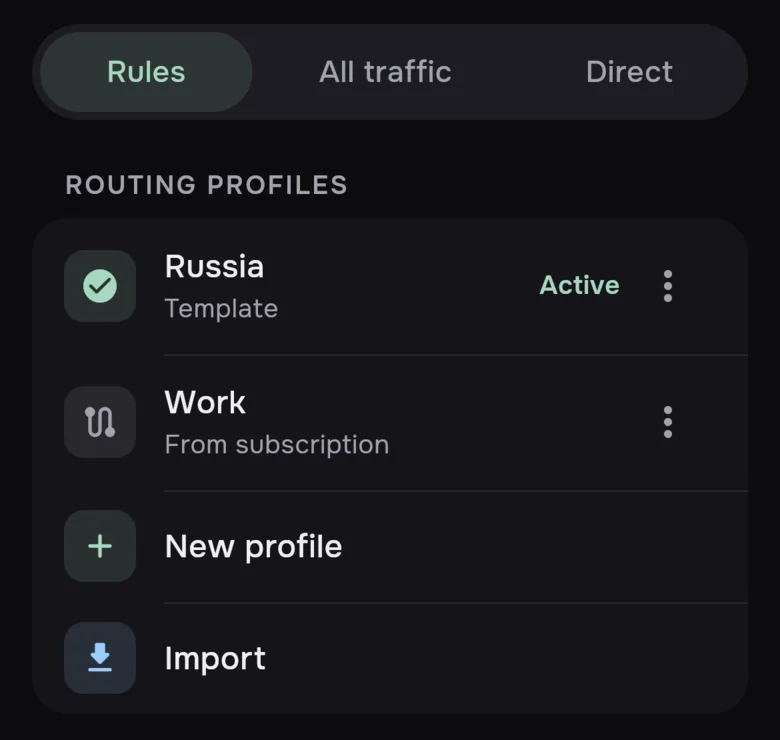
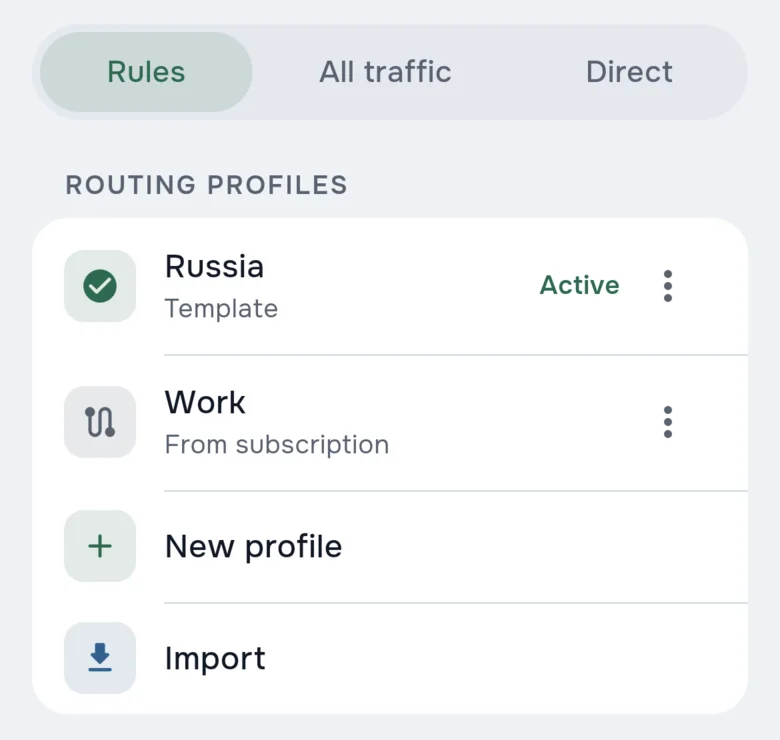
Per-app on Android
Choose which apps use the connection and which go around it.
Auto picks the fastest
Auto connects to the server with the lowest ping. Measure ping by ICMP, TCP or through the proxy itself.
Desktop modes
TUN for the whole system, the system proxy, or only a local proxy.
Runs on SvetRay™, our own engine written in Rust.
It understands Xray JSON configs, so the profiles you already use keep working.
Coming to your phone and computer
mins is getting ready for release. There are no public builds yet; links will appear here when they are out.
- AndroidComing soon
- iOSComing soon
- macOSComing soon
- WindowsComing soon
- LinuxComing soon
Questions
Does mins come with servers?
No. mins is only a client: it has no servers or accounts. Connect it to a subscription from your provider or to your own server.
What can I import?
Subscription URLs, share links, QR codes, complete Xray JSON profiles and AmneziaWG configs. You can also add a server by hand. Every import shows a preview before anything is saved.
Will my Happ or INCY subscription work?
mins reads the same subscription headers: traffic, expiry, announcements and provider settings. Settings that change how the client behaves apply only after you approve them.
What is SvetRay™?
Our own proxy engine written in Rust. It runs every connection in mins and reads Xray JSON configs.
When can I download it?
There are no public builds yet. Versions for Android, iOS, macOS, Windows and Linux are in the works, and links will appear on this page.